A Signature is Not Enough Anymore!
Signing your Digital Artwork
27.05.2026
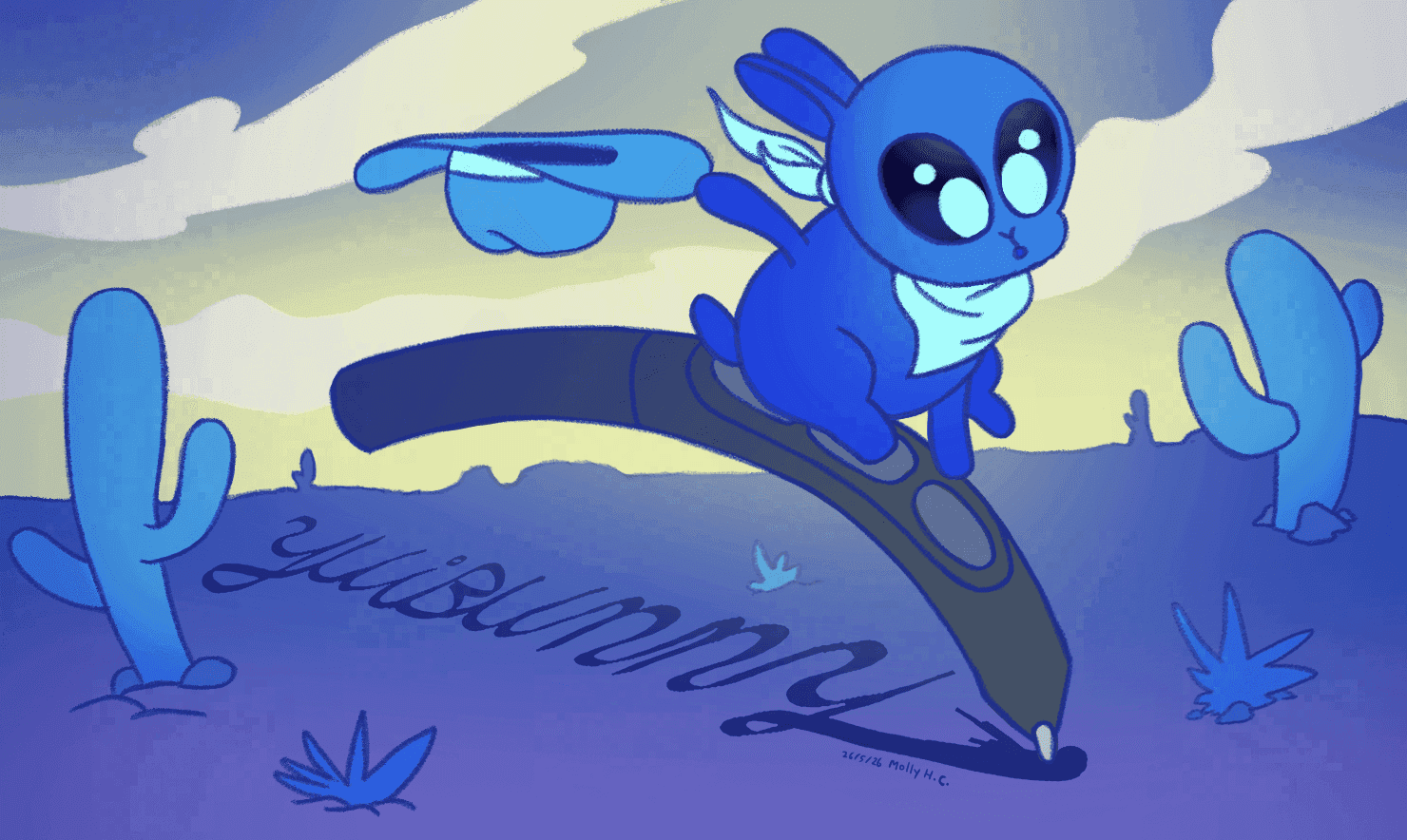
The Wacom Yuibunny
Picture this: During a pitch meeting at a great company, your favourite art director presents a mood board that features different pieces of artwork they found online. All these could fit their upcoming mega project but they like your piece the most! Wow! Now they wonder if the artist of that piece might be available for freelance work!
One problem:
There is no signature on it.
...How are they supposed to find you?
Why Sign Your Digital Artwork?
Once artwork is passed around the internet, your credentials can disappear surprisingly quickly. Detached from its original description or compressed by social media, the artist’s credit can be lost in the process. Signing your digital artwork, combined with modern (free!) tools like Yuify, is one of the simplest and most effective ways to help future clients and collaborators discover you and build your personal brand.
Signing your work can dissuade casual art theft, though unfortunately a signature cannot completely prevent theft. (See our article about tackling online art theft here: https://yuify.com/blog/art-theft). Instead, focus on giving your work the best chance to be tracked back to you. The easier it is for someone to identify you, the better chance your artwork has of leading to opportunities.
Tips for Signing Your Art
- Keep it readable
Pay attention to the size and thickness of the signature. If someone is downloading or screenshotting the image, you want to make sure it survives the compression. But you also don’t want your signature to distract from the overall work. Not too big, not too small.
- Avoid overly elaborate designs
Complex, graphical signatures are not recommended. They may distract from the artwork and can’t reliably work consistently over different works. A more neutral signature offers versatility so you can reuse it across all your artwork. Keep the colour neutral as well: black, white or grey is usually the least distracting.
- Keep it short
Excessive text it will clutter up and distract from your art. Having just your name, a (short) URL or a handle is sufficient. But remember, the internet is forever. Social media might be shut down, website urls might disappear and artist handles might change. Better to include core information that you are sure will remain the same over a long time.
- Avoid using your legal signature
For privacy and security reasons, it is best to avoid using your legal signature that you use for signing legal and financial documents. Instead, create a signature that is specifically for your artwork.
- Avoid fonts
Some social media platforms can detect text and urls in images that direct users off the platform. As a result, they will restrict the image’s visibility in the algorithm. For this reason, a hand-written signature, including website urls, is recommended. But do make sure this is very clear and legible, even at a small size. (pro tip: as someone with the handwriting of a serial killer, I write text out in font and then trace it.)
Where Should You Place Your Signature?
Many artists place signatures in the bottom left and right corners of an image, but these areas are often cropped out when reposted on platforms like Instagram, where a square format is used. Positioning your signature along the bottom or top center edge can make removal more difficult without compromising the composition of the image. It is best to place a signature in an area that is not easy for art thieves to paint over, clone brush out or crop away.
Large visible watermarks placed directly over the artwork provide a strong deterrent against theft, but they also heavily interfere with the viewer’s experience. You should not compromise presentation for protection.
So Wait… Didn’t You Say a Signature is Not Enough Anymore?
Traditional signatures and watermarks help with attribution, but they have limitations in an online environment. They can be cropped out, painted over, blurred, removed with editing tools or AI and lost during reposting and compression. These modern issues for artists is why Wacom created the free service Yuify!
Protect Your Artwork with Wacom Yuify
Yuify proves and protects the authorship of your digital artwork. After passing a verification process, your artwork is embedded with an invisible, tamper resistant Yuify Micromark and your art can be tracked back to you thanks to the Wacom Yuifinder.
Unlike traditional watermarks, Yuify embeds information directly and invisibly into the artwork itself and verifies that you, indeed, created your artwork. So even if the signature is removed or your art is cropped, screenshotted or reposted, the artwork can still be traced back to you!
Yuify is designed to help artists:
- Prove authorship of digital artwork
- Attach creator information, like creation date and software used
- Link portfolio or website details
- Include licensing and usage terms
- Specify AI training permissions
This creates durable evidence of attribution that can survive an artwork’s journey over the internet. It means viewers, collaborators, and potential clients will more reliably be able to identify the original source of an artwork. For artists concerned about online art theft, reposting accounts, or unauthorized AI dataset scraping, Yuify offers an additional layer of protection that traditional signatures do not offer.
Best of all, Yuify is free and compatible with many of the most popular digital art creation software programs! For more information about Yuify, check out our technical support page or Yuify.com.
Build the Habit of Signing (and Yuifying) Every Piece
No matter your skill level, building the habit of signing your work is worthwhile. You never know which artwork might take off and where your art might end up online. It could travel beyond your followers, get reposted widely, or catch the attention of a future client. And if it does, you want to be ready. A good signature, combined with modern protection tools like Wacom Yuify, gives your artwork the best chance of staying connected to you, no matter where it ends up online!
Have an opinion on this article? A suggestion what we should write about next? Join the conversation on our Wacom Discord!
Summary
Best practices and tools for signing your digital artwork in the modern age.